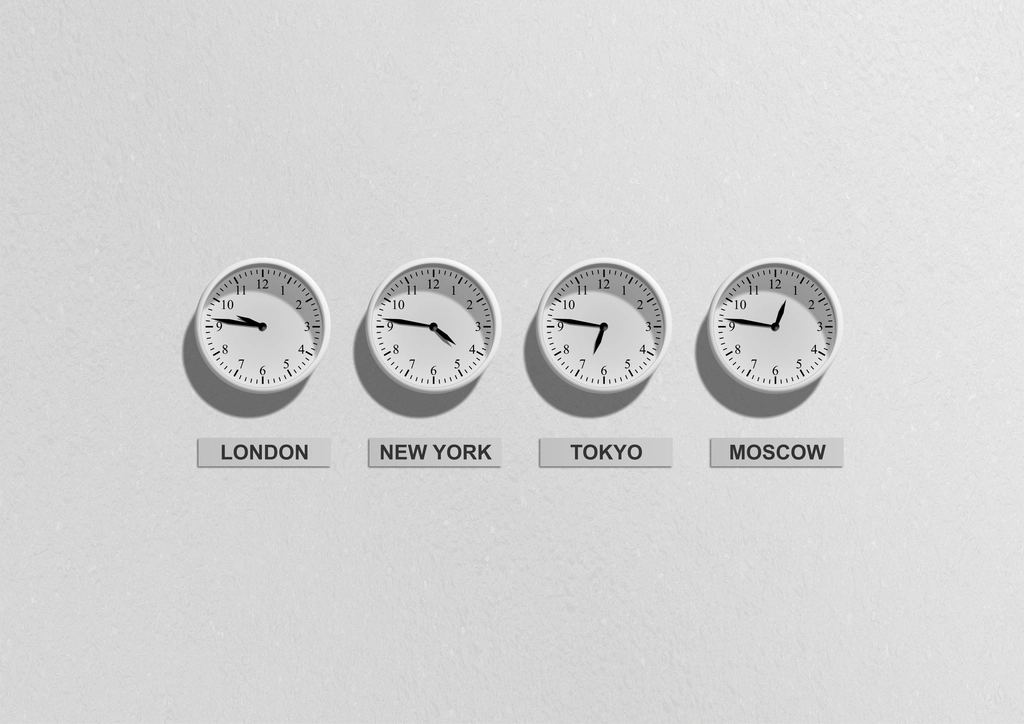
You want a product to go live at 9am for shoppers in New York and again at 9am for shoppers in London. Same product, two "right" moments, five hours apart. So you go looking for a per-market launch time in Shopify. It isn't there.
Here is the thing nobody tells you up front: Shopify's scheduled publishing runs on one clock. Your store's clock. Not the customer's. Let's sort out what that means and how to launch cleanly across time zones anyway.
Shopify schedules on your store timezone, period
Shopify has a native scheduled publish date on products. Open a product, go to the Online Store sales-channel availability, choose Schedule availability, pick a future date and time, and save. At that moment Shopify publishes the product to that channel. It works, and you don't need Shopify Plus for it.
But that date and time is read against the timezone set in Settings > General. If your store is set to Eastern time and you schedule for 9:00am, the product goes live at 9:00am Eastern for everyone. A shopper in London sees it at 2:00pm their time. Shopify does not localize the launch per market. There is no setting that publishes "at 9am in whatever zone the visitor is in."
That's not a bug. It's just how the platform works. Once you accept the one-clock rule, planning gets simple.
Convert every launch time back to your store clock
The trick is to stop thinking in the customer's time and do the math once. Pick the moment you want each market to see the product, then convert that moment into your store's timezone. That converted time is what you type into Shopify.
Say your store runs on New York time and you want these local go-lives:
- London: 9:00am BST
- New York: 9:00am EDT
- Los Angeles: 9:00am PDT
In store time (New York), those become:
- London 9:00am BST = 4:00am New York
- New York 9:00am EDT = 9:00am New York
- Los Angeles 9:00am PDT = 12:00pm New York
Now you have three real store-clock times. The launch stops being confusing and becomes three scheduled events on a single timeline.
Watch daylight saving. The offset between two zones is not fixed year-round. London and New York are usually five hours apart, but the two regions switch DST on different weekends, so for a couple of weeks the gap is four hours. Always convert using the actual date of your launch, not a number you memorized.
The two ways to run a multi-market drop
You've got the store-clock times. Now, how do you actually fire them? Two honest options.
Option one: one global go-live. Everybody gets the product at the same instant. You pick a single store-clock time and schedule the product once. Clean, simple, and native. The downside is only one market gets a "nice" local hour. The rest get whatever that instant maps to. For a lot of drops, that's fine.
Option two: staggered per-market go-lives. Each region gets the product at a good local hour. This is where native Shopify starts to strain. The built-in scheduler publishes a product going live, but not it coming down, and it's one product at a time. It doesn't coordinate the publish with a price change, a discount, or an announcement bar. And if you're scheduling products across Shopify Markets with different catalogs, staggering by hand means sitting at the keyboard for each window.
Coordinating the whole thing with Schedule It
This is the gap Schedule It fills. It runs store changes on a server-side timer at an exact date and time, on every Shopify plan including Basic. No Plus required.
For a time-zone launch, that means you build each go-live as its own automation on your store clock. Publish the product at 4:00am for the London window. Publish or swap price at 9:00am for New York. Flip an announcement bar on at noon for the West Coast. Set an end time and the change auto-reverts to its previous state, so a flash window can close itself without you awake for it.
You can also chain actions into one automation: product publish, price change, discount, and an announcement bar firing together for a single market. Save it as a template and the next drop is a five-minute setup instead of a spreadsheet. Every run logs a status, a timestamp, and the Shopify request id, and you can send email alerts to up to 10 people on completion or failure.
Build one automation per market and name it by the store-clock time, like "London launch 04:00 ET." When you scan the list, you're reading your own timeline, not doing timezone math in your head at go-live.
Set the times once. Walk away. See the full features or the pricing if you want the specifics. And if your whole problem is a single overnight go-live, the midnight launch guide covers that case directly.